Search company files in plain words
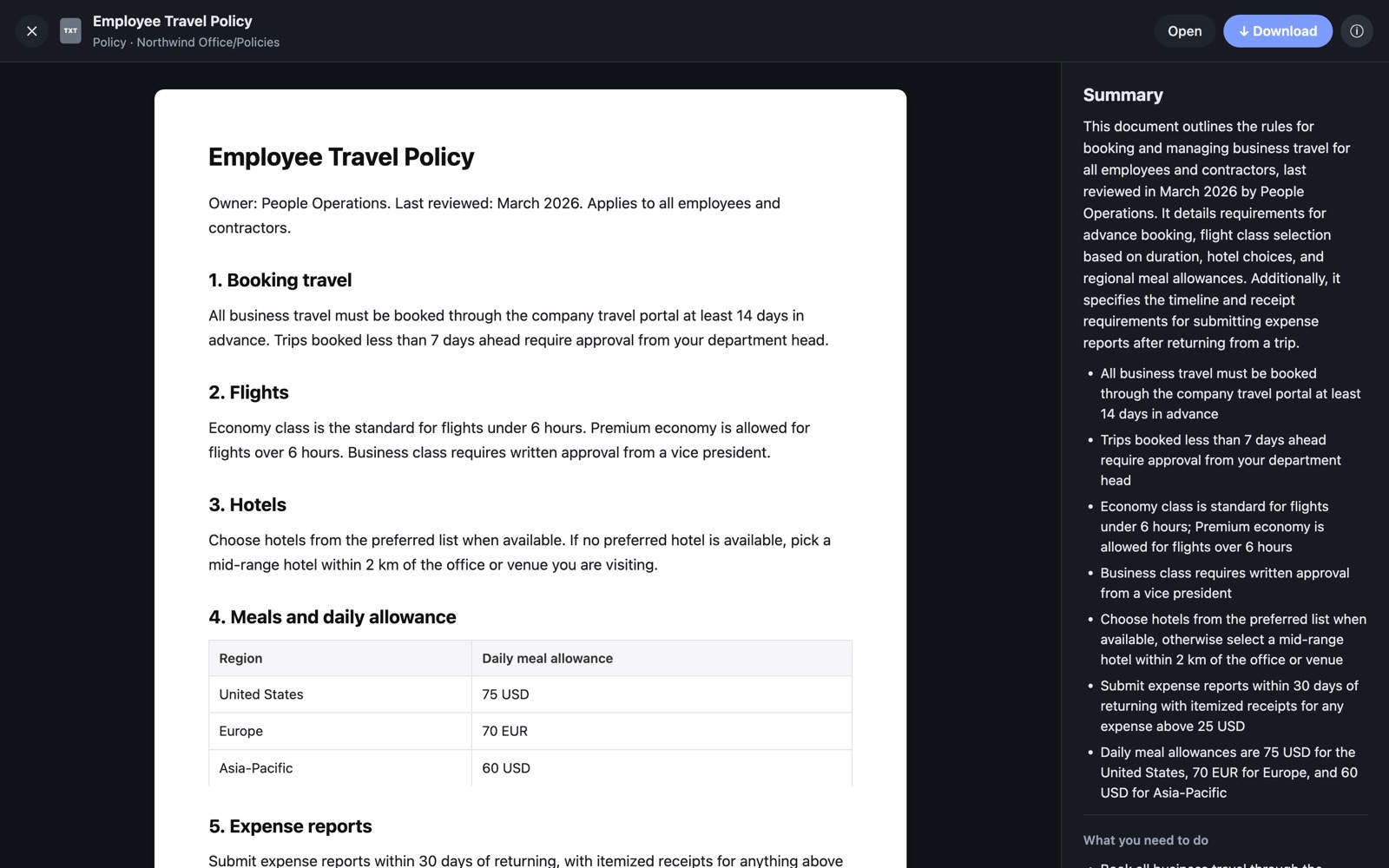
Most companies have years of files spread across shared drives: policies, contracts, proposals, scanned paperwork and photos. Finding the right one means remembering where someone saved it and what they called it. CompanyConnect reads all of it and lets your team ask for what they need in plain words, like "how much can I spend on meals" or "the signed lease for the Troy office".
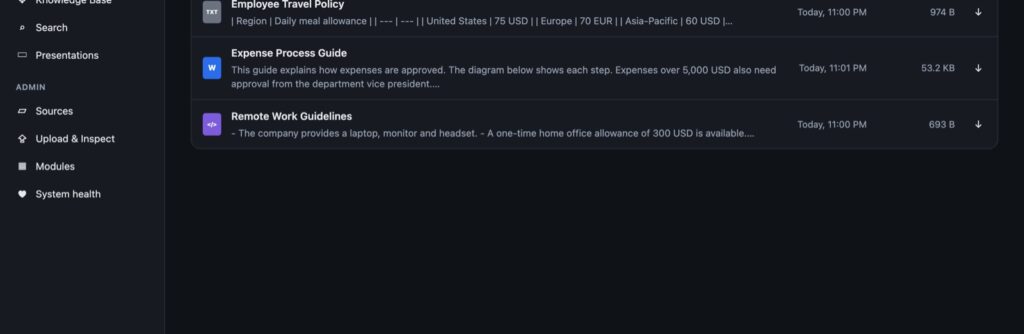
Think of it as a private ChatGPT for your company's documents, with one big difference: answers come only from your own files, with links to the sources so anyone can check them. If you've been looking for on-premise AI document search or a local AI knowledge base, this is what CompanyConnect does.
AI summaries checked against the source
Every document is read by AI. You get a short summary, the key points, and the dates, amounts, people and companies it mentions, and each fact is checked against the original text before it's shown. Scanned PDFs and pictures inside documents are read too, so nothing is left out just because it was a scan.
Photos, found by what's in them
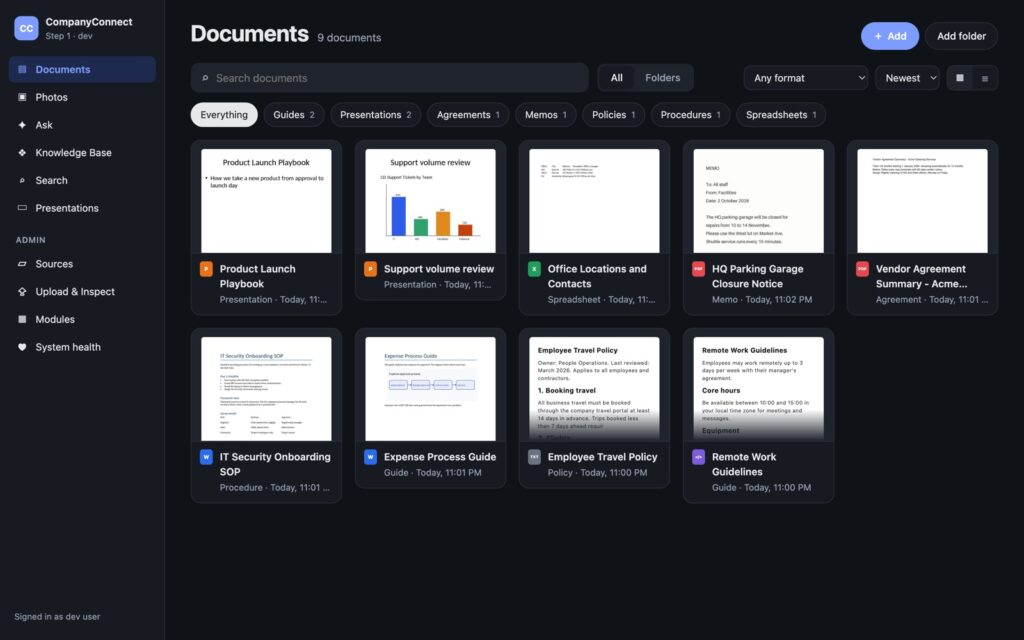
Photos get the same treatment. Search by what's in a picture ("receipt total", "whiteboard", "team photo in the lobby"), browse by month, find similar shots, and name the people who appear in them.
Slide decks from your own documents
When it's time to present, describe the deck you want. CompanyConnect pulls the facts and photos from your library, writes the slides one at a time with a live preview, checks every number against its source, and exports an editable PowerPoint.
Private AI on your own server, cloud optional
It all runs on one server in your office. Your files stay where they are, read-only. Every AI step uses private engines on that server by default, so there are no per-page AI fees and no company data leaving the building. If you'd like a cloud AI service for some tasks, it can be switched on, but it's never required. We size the server, install it, connect your shares, process your archive, and keep it updated and monitored.
Who it's for
Any team with years of files on a shared drive: professional offices, engineering and construction firms, schools, manufacturers, agencies. If people regularly ask "where is that document?" or rebuild work that already exists somewhere, CompanyConnect pays for itself in time saved.
Features
- Search by meaning across documents, shared drives and network folders
- AI summary, key points, dates, amounts and people for every file
- Reads PDFs (including scans), Word, Excel, PowerPoint, images and more
- Photo library with AI tags, people and "find similar"
- Slide decks built from your documents, exported to PowerPoint
- Private AI engines on your own server; cloud AI optional
- Original files are read-only; password and key files are never indexed
Questions
Does CompanyConnect send our files to the cloud?
No. By default every AI step runs on private engines on a server in your office, and your files stay on your existing storage, read-only. Cloud AI is optional and stays off unless you choose to turn it on.
What kinds of files can it read?
PDFs (including scanned ones), Word, Excel, PowerPoint, web pages, Markdown, CSV and plain text, plus images such as photos, screenshots, charts and receipts. Pictures inside documents are read too.
Can it search our existing network drives?
Yes. It connects to your file shares and folders read-only, indexes the files where they are, and re-syncs on a schedule to pick up new, changed and deleted files. Files that look like passwords or keys are never indexed.
What hardware does it need?
One server on your network, sized to your archive. Larger archives use workstation GPUs for the AI. We write the specification, and you can buy it from your preferred vendor or have us source it.
How long until our files are searchable?
It depends on the size of the archive and your network. For an archive of around 70 TB we plan for every file to be searchable about two weeks after install, with active and recent files fully processed by AI first and the rest in the background.
Who looks after it?
We do. We install and configure it, connect your shares, process the archive, and then keep it updated and monitored remotely over a secure VPN as a monthly service.