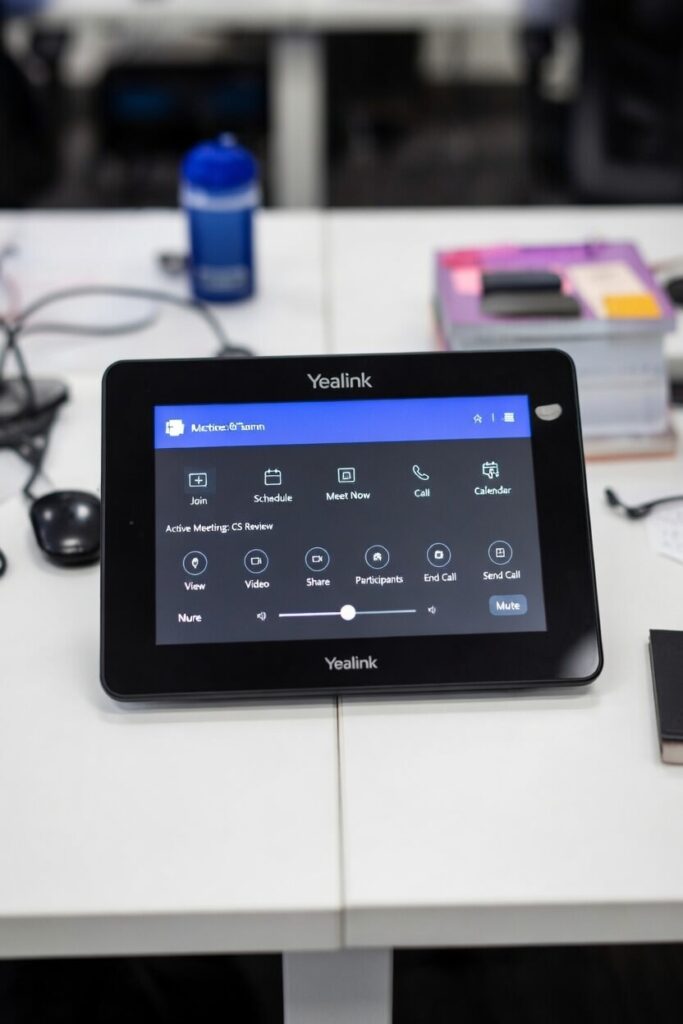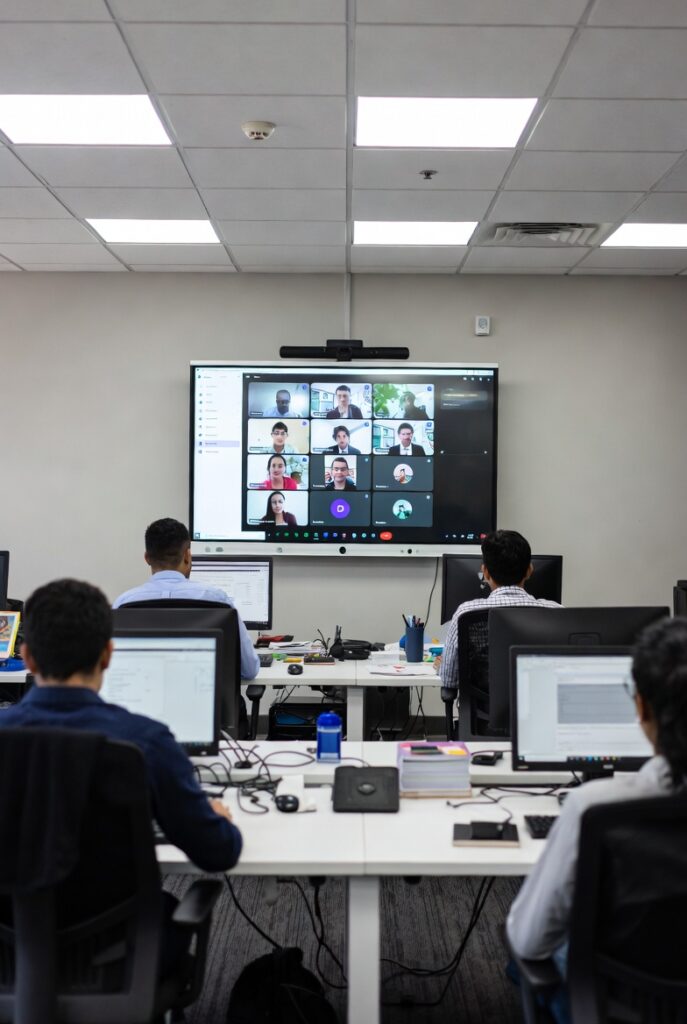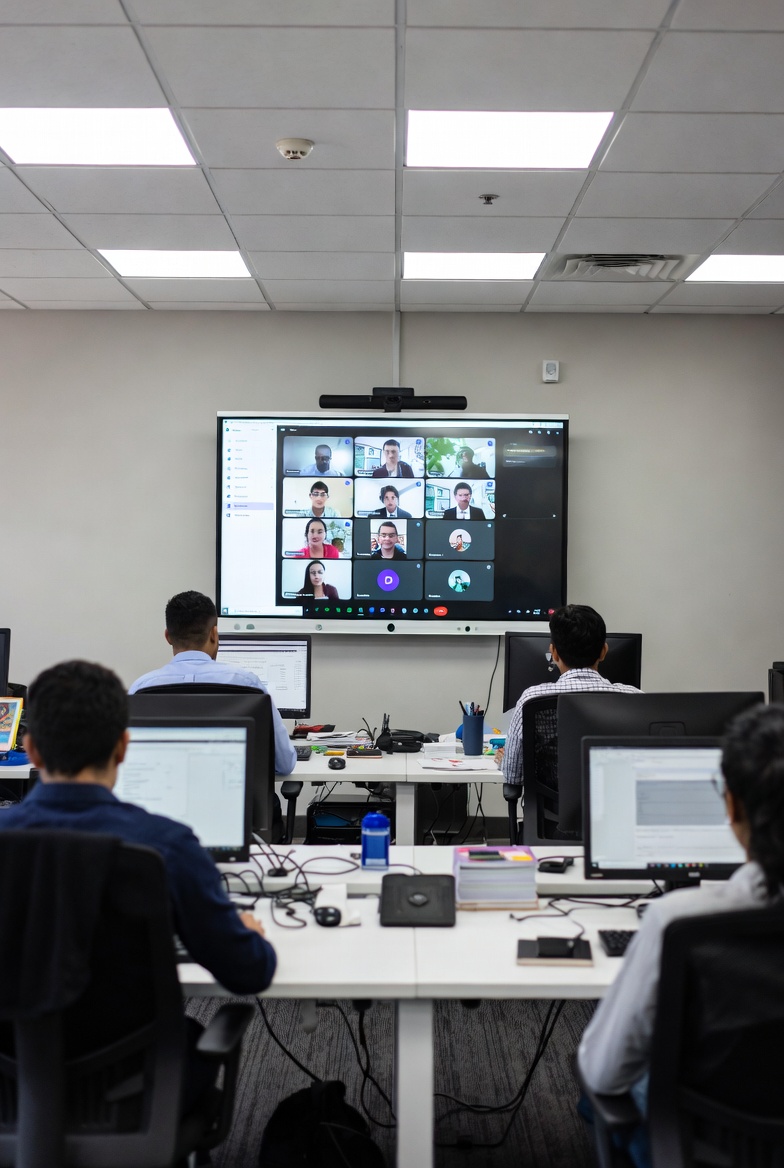
The business relied on one large room for all-hands updates and meeting with clients. It was fine when everyone was physically there, but hybrid was painful: people on the phone or video often missed what was said, video looked unprofessional, and getting a laptop connected to the screen ate up meeting time.
We designed a straightforward “walk in and join” experience using proven meeting-room hardware from Yealink, built for Microsoft Teams meeting rooms. There’s a touch panel to start or join a call, a camera and speakers suited to a large space, and a ceiling microphone so everyone is heard clearly, not just the people closest to the table. The same setup also supports Zoom for teams that need it, including Yealink’s Zoom-ready room options. We coordinated with their IT on logins, security, and company policy so the room fits how they already operate. Today it’s the go-to space when some attendees are in the room and others are remote.